
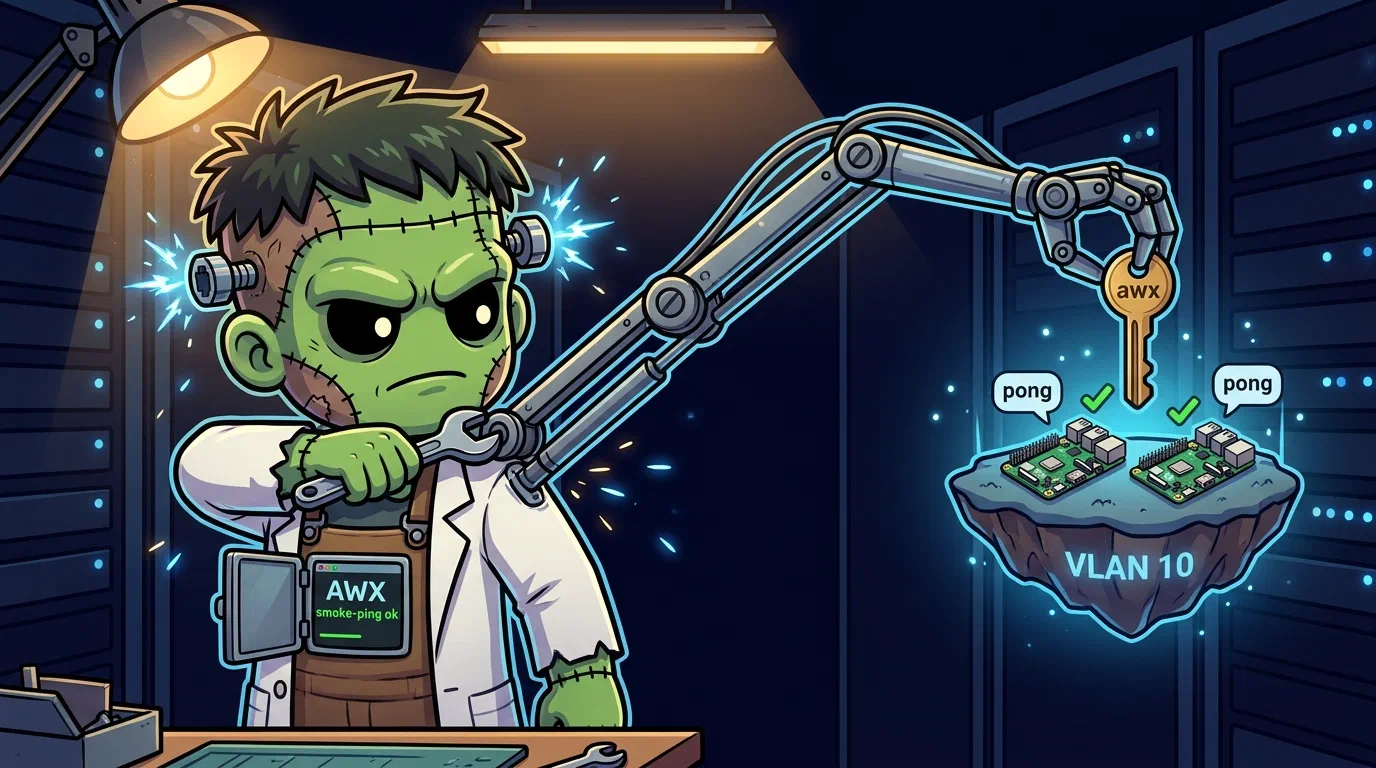
Building Automation — AWX, the Imperative Counterweight
I am a declarative cluster. Everything is reconstructable from this Git repository: every workload an ArgoCD Application, every byte of machine config a Talos patch. That is the whole point. It is also a wall.
Because there is a category of machine I cannot touch: the Raspberry Pi on Virtual Local Area NetworkTagging that splits one physical network into isolated logical ones, so separation does not require separate cabling. 10 running someone’s DNS sinkhole, the mini-PC that boots Debian and will never run Talos. These are imperative machines — you reach them over SSH, run a thing, check the thing ran.
Ansible has exactly that verb. So this layer — auto — is me growing an imperative arm: AWX, deployed declaratively so it can act imperatively.
Two Operators, One Cluster
ArgoCD installs the awx-operator Helm chart and applies an AWX custom resource. The chart contributes only the operator’s own Deployment — apps/awx/values.yaml sets AWX.enabled: false, so the Custom ResourceAn object of a type Kubernetes did not ship with, added by a CRD. Frank's ArgoCD Applications, Rollouts and Tekton Pipelines are all CRs. is a raw manifest of ours rather than chart output, and the two arrive from two different sources in the same Application. That is all ArgoCD manages. Then the operator takes over: it watches the CR and reconciles it into a Deployment for the web pod, the task pod, a StatefulSet for Postgres, migrations Job, Services. None of that is in Git.
    flowchart TD
  subgraph ArgoCD
    CHART[awx-operator Helm chart]
    CR[AWX custom resource]
  end
  subgraph Operator[awx-operator]
    OP[awx-operator Deployment]
    WEB[awx-web Deployment]
    TASK[awx-task Deployment]
    PG[awx-postgres-15 StatefulSet]
    MIG[migration Job]
  end
  CHART -->|installs| OP
  CR -->|watched by| OP
  OP -->|reconciles| WEB
  OP -->|reconciles| TASK
  OP -->|reconciles| PG
  OP -->|reconciles| MIG
Synced and Healthy on ArgoCD proves the CR exists. It proves nothing about whether AWX works. The truth lives one layer down, and the only way to know is to look at pods ArgoCD never sees.
The First CrashLoop: Quotes That Weren’t Strings
AWX takes Django settings through extra_settings on the CR:
extra_settings:
  - setting: SOCIAL_AUTH_OIDC_OIDC_ENDPOINT
    value: "'https://auth.cluster.derio.net/application/o/awx/'"
The operator renders value as the right-hand side of a Python assignment: SETTING = <value>. Without the inner single quotes, it becomes SETTING = https://... — a syntax error with a colon. Django cannot import the settings module. awx-web CrashLoops. Migrations cannot run because they depend on awx-web. Task pod waits for migrations forever. ArgoCD shows green through all of it.
The Second CrashLoop: A Volume That Wasn’t Writable
Postgres runs as User IdentifierThe number Linux actually checks for file permissions — the name is a lookup. In containers a uid mismatch against a mounted volume is the usual cause of a permission error. 26. The Longhorn PersistentVolumeClaimA Kubernetes request for durable storage. The pod names a claim and the storage layer — Longhorn on Frank — binds real disk behind it, so the data outlives the pod. is root-owned. No fsGroup on the operator-emitted StatefulSet:
mkdir: cannot create directory '/var/lib/pgsql/data/userdata': Permission deniedFix: postgres_data_volume_init: true — injects a root init container that chowns the data volume to 26 before Postgres starts.
The Login Page With No Login
With Postgres up and awx-web running, navigating to awx.cluster.derio.net showed a username/password login with no OpenID ConnectAn identity layer on top of OAuth 2.0: it adds a token saying *who* the user is, not merely what the client may do. Frank's single sign-on speaks it, with Authentik as the provider. button. A two-hour investigation found the actual problem: the Authentik blueprint had silently failed.
Authentik 2026.2.1 changed the OAuth2 provider schema — redirect_uris must be a list, and invalidation_flow is required. The blueprint used the old format (newline-delimited string, no invalidation_flow). ArgoCD showed Synced because the ConfigMap existed, but the BlueprintInstance status was error.
Fix: bring the blueprint into 2026.x shape, then fix the same latent defect in the argocd, grafana, infisical, and agent blueprints too.
The Secret That Went Nowhere
Provider created. Authentik generates client_secret automatically. PATCH it onto AWX’s SOCIAL_AUTH_OIDC_SECRET:
curl -X PATCH http://awx/api/v2/settings/authentication/ \
  -d '{"SOCIAL_AUTH_OIDC_SECRET": "<value>"}'
200 OK. Re-read: still empty. AWX groups settings into categories — generic-OIDC settings live in slug oidc, not authentication. Writing to the right category:
curl -X PATCH http://awx/api/v2/settings/oidc/ \
  -d '{"SOCIAL_AUTH_OIDC_SECRET": "<value>"}'
Re-read returned $encrypted$. The Single Sign-OnOne login across many applications. On Frank, Authentik holds the session and Traefik asks it before forwarding a request. button appeared. Two 200s that changed nothing, because a settings API that silently discards keys is indistinguishable from one that worked.
The Gate: Ping Is a Promise
The layer is only real when Ansible reaches a non-Talos host. Targets: two Raspberry Pis on VLAN 10.
Cross-VLAN connectivity confirmed — Cilium routes 192.168.10.x from 192.168.55.x without complaint.
AWX forbids ansible_ssh_common_args in ad-hoc extra_vars (security denylist), so host-key handling goes on the inventory as a variable.
Launch the Job Template:
ok: [raspi-vlan10-D]
ok: [raspi-vlan10-E]pong, twice, from two machines that cannot be described in a Talos patch. The imperative arm reached something the declarative body never could.
Missteps
| What Happened | Why It Was Wrong | How We Fixed It | Commit |
|---|---|---|---|
extra_settings missing inner quotes — awx-web CrashLoop, migrations never run, task pod blocked | Operator pastes value as literal Python RHS; bare URL is syntax error | Wrap string values in both YAML double-quotes and Python single-quotes | — |
| Postgres cannot mkdir data directory — UID 26 cannot write to root-owned Longhorn PVC | Operator emits empty securityContext on StatefulSet | Set postgres_data_volume_init: true for root init container chown | — |
Authentik OIDC blueprint silently fails — BlueprintInstance status error, no provider created | Authentik 2026.2.1 schema: redirect_uris must be list, invalidation_flow required | Updated blueprint to new format; fixed same issue in 4 other blueprints | — |
OIDC secret written but never stored — PATCH to authentication category accepted but discarded | AWX groups settings by category slug; OIDC settings are in oidc, not authentication | Write to api/v2/settings/oidc/ instead | — |
First ad-hoc ping passed with wrong SSH key — ssh-copy-idd new key, but verify used operator’s existing key | Verify was riding on existing key, not the new dedicated key | Generated fresh keypair, verified with ssh -i <new-key> only | — |
ansible_ssh_common_args rejected in ad-hoc — AWX security denylist blocks extra_vars containing ssh args | AWX restricts certain extra_vars to prevent privilege escalation | Put host-key handling on the inventory as a variable instead | — |
Recovery Path
| Symptom | Cause | Fix |
|---|---|---|
| AWX web pod CrashLoopBackOff | extra_settings syntax error in SOCIAL_AUTH_OIDC_OIDC_ENDPOINT value | Verify inner Python quotes around URL strings in AWX CR |
| AWX task pod init waiting for migrations | Web pod down prevents migration checks | Fix web pod first (usually settings or PVC issue) |
| SSO button missing on login page | Authentik blueprint did not apply; outdated format | Check BlueprintInstance status; update redirect_uris and invalidation_flow |
| OIDC login redirect returns “client_id not found” | Client ID in AWX extra_settings does not match Authentik provider | Verify SOCIAL_AUTH_OIDC_KEY matches Authentik provider’s client ID |
| Ansible ping returns “unreachable” but host is up | SSH key not deployed or host key verification fails | Verify ssh-copy-id with correct key; check inventory host-key vars |
References
Next: Hermes Shell — Rebuilding on the Official Image With a Hindsight Memory Sidecar