
Operating on VK Relay
Last updated 2026-07-15 ·eff627f
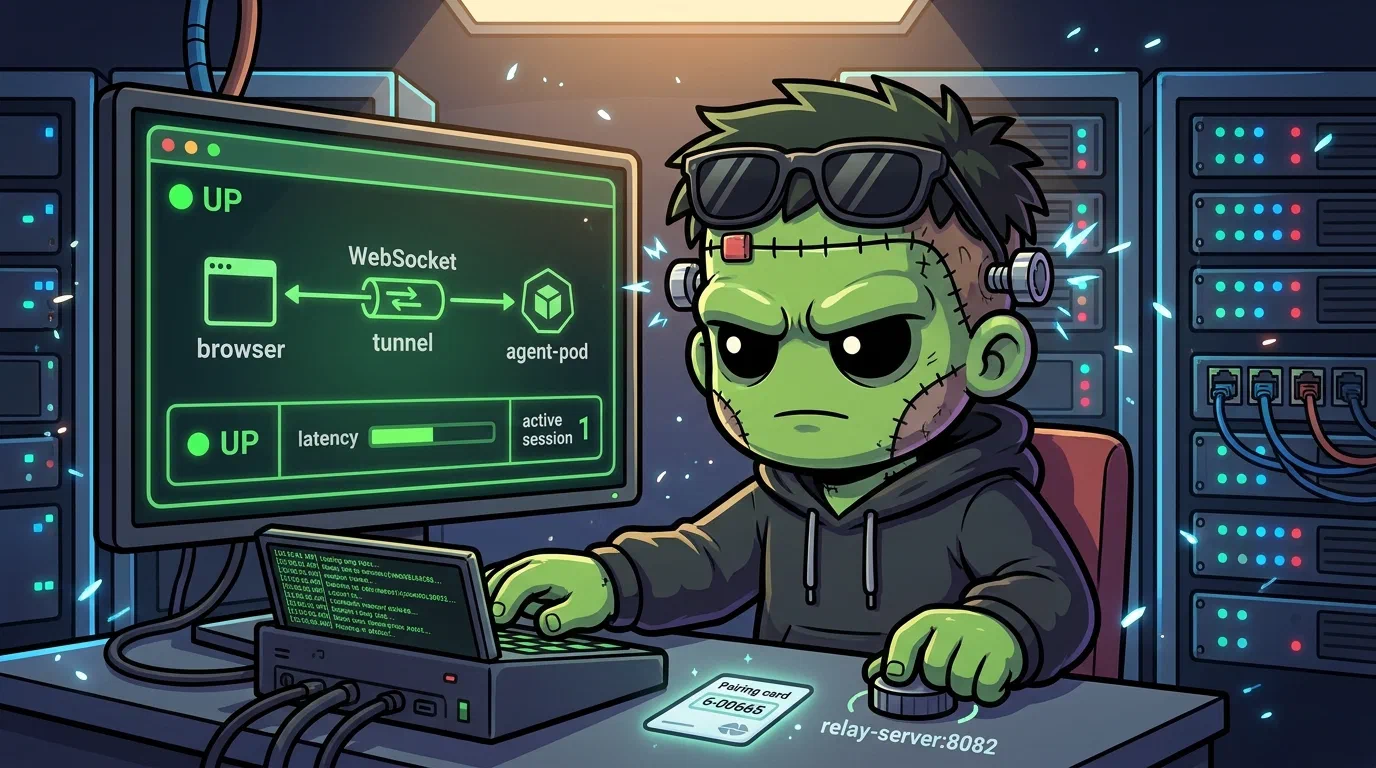
This is the operational companion to VK Relay. That post explains the architecture and deployment. This one is the day-to-day runbook.
    sequenceDiagram
    participant Browser as Remote Browser<br/>vk.cluster.derio.net
    participant Traefik as Traefik<br/>(ingress)
    participant Relay as Relay Server<br/>(vk-remote:8082)
    participant Local as Local VK Server<br/>(secure-agent-pod:8081)
    participant Agent as Agent Workspace

    Browser->>Traefik: WebSocket connect /v1/relay/connect
    Traefik->>Relay: route to relay-server
    Relay->>Local: tunnel WebSocket
    Note over Relay,Local: pairing code handshake
    Local->>Agent: query workspace data
    Agent-->>Local: repos, sessions, diffs
    Local-->>Relay: relay response
    Relay-->>Browser: render workspace UI
What Healthy Looks Like
- The
vk-remotepod has two containers:vk-remoteandrelay-server, bothRunning. - Relay server is listening on port 8082.
GET https://vk.cluster.derio.net/v1/relay/connectreturns 401 (JSON Web TokenA signed, self-describing token carrying claims — who you are, what you may do, when it expires. Readable by anyone holding it, so the expiry and signature are the only things protecting it. auth required — means the relay is up and routing).- A browser is paired and shows workspace data through the remote UI.
Verify
# Pod health
kubectl -n agents get pods -l app=vk-remote -o wide

# Relay logs
kubectl -n agents logs deploy/vk-remote -c relay-server --tail=10

# Endpoint reachable (expect 401)
curl -s -o /dev/null -w "%{http_code}" https://vk.cluster.derio.net/v1/relay/connect

# Local server relay connection
kubectl -n secure-agent-pod exec deploy/secure-agent-pod -c kali -- \
  env | grep VK_SHARED_RELAY
# Expected: VK_SHARED_RELAY_API_BASE=https://vk.cluster.derio.net
$ kubectl -n agents get pods -l app=vk-remote
NAME READY STATUS RESTARTS AGE
vk-remote-7949d8bb66-vpgpx 2/2 Running 0 21h
$ curl -s -o /dev/null -w "%{http_code}" https://vk.cluster.derio.net/v1/relay/connect
401
Steps
Restart the Relay
kubectl -n agents rollout restart deploy/vk-remote
kubectl -n agents rollout status deploy/vk-remote
Re-Pair a Browser
# 1. Port-forward to the local VK server
kubectl -n secure-agent-pod port-forward deploy/secure-agent-pod 8081:8081

# 2. Open http://localhost:8081 → Settings → Relay Settings → "Generate pairing code"

# 3. Open https://vk.cluster.derio.net → Settings → "Pair host" → enter code

# 4. Stop the port-forward
Recover
502 on Relay Endpoint
# Check relay container
kubectl -n agents describe pod -l app=vk-remote | grep -A5 relay-server
kubectl -n agents logs deploy/vk-remote -c relay-server --previous
The relay-server container is likely crashing. Check for port conflicts or startup failures.
Workspace Data Not Loading
Symptom: the remote UI shows workspaces but they’re empty.
# Check tunnel connections in relay logs
kubectl -n agents logs deploy/vk-remote -c relay-server --tail=30
If no tunnel connections appear:
- The local VibeKanbanThe task board Frank dispatches agent work through — the queue between a written plan's phases and the agents that execute them. server (secure-agent-pod) may not be running — check
kubectl -n secure-agent-pod get pods. VK_SHARED_RELAY_API_BASEmay not be set — check the env var.- Cilium
NetworkPolicymay block egress tovk.cluster.derio.net.
Pairing Code Rejected
- Code expired (6-digit codes are short-lived — generate a fresh one).
- Browser and local server not on the same relay — verify both point to
vk.cluster.derio.net. - Simple Password-Authenticated Key ExchangeA protocol that turns a short shared code into a strong mutual key without exposing the code to eavesdroppers. The enrolment codes are single-use — "please sign in again" usually means it was already spent. key mismatch — regenerate and retry.
Container Not at 2/2 Ready
If only one container is Running:
kubectl -n agents logs deploy/vk-remote -c <missing-container>
kubectl -n agents describe pod -l app=vk-remote
Missteps
| What we assumed | Why it was wrong | What it cost |
|---|---|---|
| The relay and vk-remote can share a single container | Each has different lifecycle and routing needs. The relay needs its own readiness probe and port. | Split into two containers in the same pod. |
| A pairing code is valid until the browser closes it | Codes are short-lived by design (SPAKE2 handshake timeout). A stale UI showing an old code wastes a pairing attempt. | Added a “generate new code” instruction to the re-pairing flow. |
| A 502 on the relay path is always a relay-server crash | It can also be a Traefik IngressRoute misconfiguration or a Cilium egress policy blocking the WebSocket upgrade. | Added the three-layer diagnosis to the runbook. |
Quick Reference
| Command | What It Does |
|---|---|
kubectl -n agents get pods -l app=vk-remote | Pod status (expect 2/2) |
kubectl -n agents logs deploy/vk-remote -c relay-server | Relay server logs |
curl -s -o /dev/null -w "%{http_code}" https://vk.cluster.derio.net/v1/relay/connect | Endpoint test (expect 401) |
kubectl -n agents rollout restart deploy/vk-remote | Restart relay |
kubectl -n secure-agent-pod port-forward deploy/secure-agent-pod 8081:8081 | Local VK server (for pairing) |
kubectl -n secure-agent-pod exec deploy/secure-agent-pod -c kali -- env | grep VK_SHARED_RELAY | Check relay env var |